Simple setup
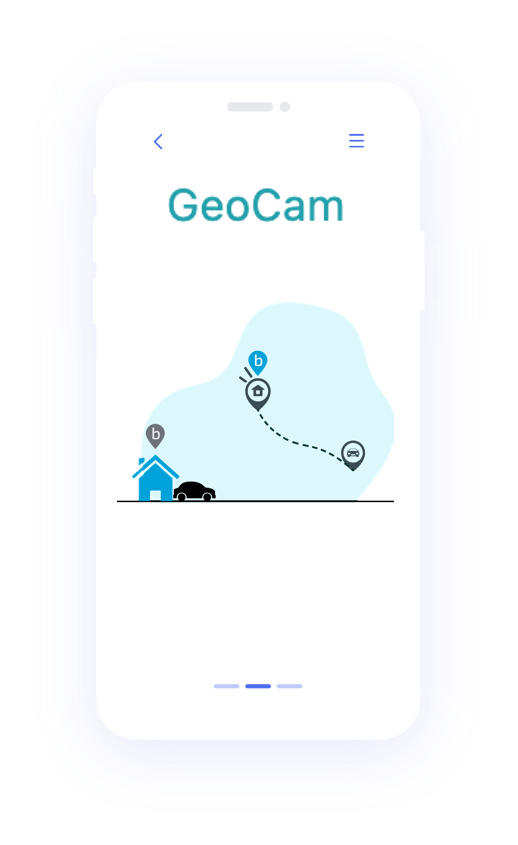
Draw your home zone on the map, connect your Blink account, and you're done. No tech skills needed.
GeoCam adds geofencing to Blink: set a zone around your home once, and your cameras turn on and off automatically. No more forgetting—just leave or arrive and you're covered. Free on one phone. Pro covers your whole family for €3.99/month, flat.

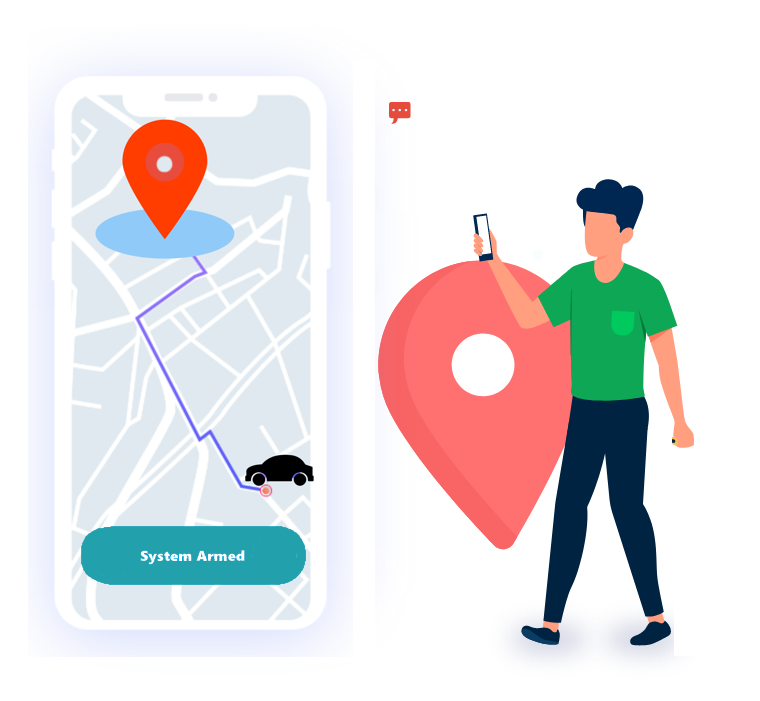
GeoCam turns your Blink cameras on when you leave and off when you return—automatically. No app to open, no buttons to tap.
Draw your home zone on the map, connect your Blink account, and you're done. No tech skills needed.
Same experience on iPhone and Android. Install once and your whole household benefits from automatic arm and disarm.
Uses your phone's location to know when you've left or returned. Your Blink cameras react instantly—no delays, no manual toggles.

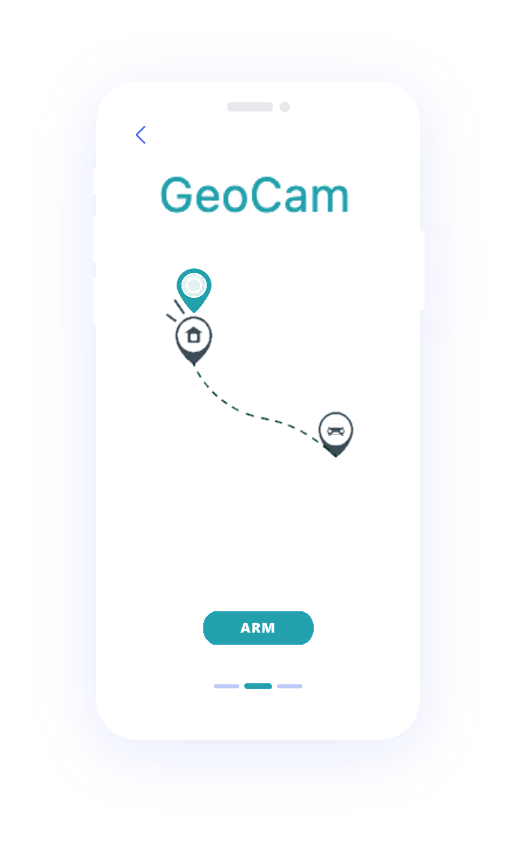
You draw a zone around your home in the app. When you leave and cross that zone, Blink arms. When you come back and re-enter, Blink disarms. One setup, then it runs in the background—no more "did I turn the cameras on?"
Cameras arm as you drive away and disarm when you pull into the driveway. Your home is covered without you having to remember.
Stop opening the Blink app every time you leave or get home. GeoCam handles it so you can focus on your day.
Adjust the zone size and sensitivity to fit your routine. With Pro, add family members so Blink arms only when everyone has left—perfect for households with different schedules.
You choose the area around your home (the "geofence"). When your phone leaves that area, GeoCam tells Blink to arm. When you come back inside the zone, it disarms. You can tweak the zone size and, with Pro, add other family phones so the system knows when everyone's away. It's built only for Blink—no extra hubs or hardware.
GeoCam talks directly to Blink — no proxy, no middleman, no data on our servers.
Your Blink username and password are stored locally on your phone and never transmitted to GeoCam servers.
All API calls go straight from your phone to Blink's servers. GeoCam acts as no relay or intermediary.
Your GPS coordinates are processed on-device to detect geofence transitions. Your location is never uploaded.


Download the app, connect your Blink account, and set your home zone. Arm and disarm on one phone is free. Pro is €3.99 per month, or €39.99 per year with a 7-day free trial, cancel anytime.